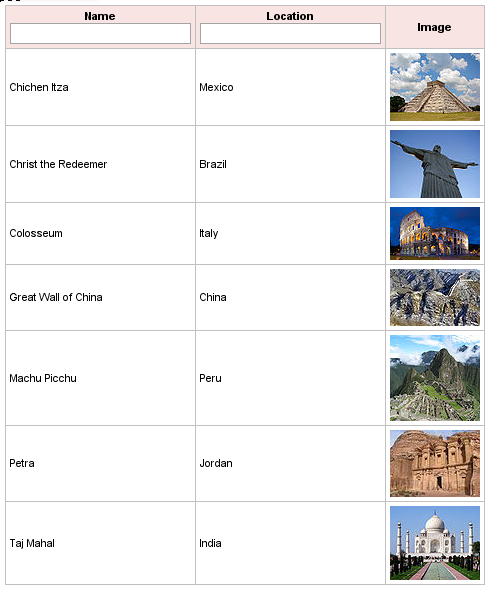
I have shown you how to use RichFaces built-in sorting feature. Let me show you how to use built-in filtering. We are going to use the same 7 Wonders of the World table. To get basic filtering working is simple. Here is how the page looks:
      Name


      Location


      Image
For each column for which we want to enable filtering, we add two attributes, filterBy and filterEvent (lines #4 and #8). filterBy is bound to a bean property on which to do the filtering, while filterEvent sets the event on which to invoke filtering. Once we set the two attributes, running the page will produce an input field in column headers.
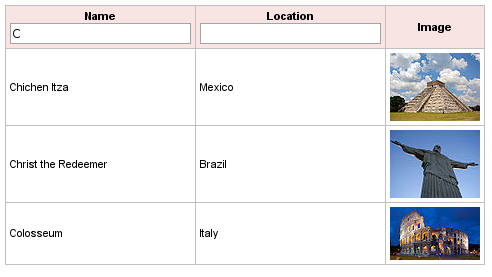
For Name column, filtering will be invoked on onkeyup event while on the Location column it’s on onblur event (meaning you have to tab our or click somewhere outside the table). The built in filtering function uses startWith() method to filter. In other words, whatever is entered is checked against each value in the list.
Before filtering:
After entering letter ‘C’ in Name column:
Redefining the filtering function will be covered in next post.


 Max Katz
Leave a comment