Pro JavaFX Platform is a fantastic book to learn JavaFX. The book was written by Jim Weaver, Weiqi Gao, Stephen Chin, and Dean Iverson. The book comes with numerous samples that you can run and learn from. I’m going to show you how to important these applications into Exadel JavaFX Studio plug-in for Eclipse.
- Download and install Exadel JavaFX Studio plug-in for Eclipse
- Download any of the samples. I will use AudioConfig sample to illustrate the steps.
- Create new project in JavaFX Studio [see how]
- Open project and right-click src folder and select Import. Then General/File System. Click Next
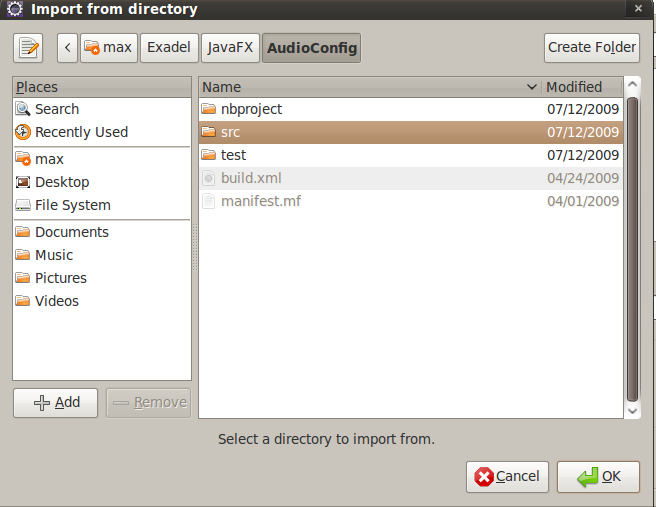
- Browse to location where you saved the sample, select src inside AudioConfig [screen shot]. Click OK
- You should see src folder in the right window. Select the check box [screen shot]. Click Finish.
- JavaFX script files are now imported. Open projavafx.audioconfig.ui.AudioConfigMain.fx
- Right-click file (or in source) and select Run As/JavaFX Application.
- To launch in web browser, right-click and select Run As/JavaFX Application (Applet)
- Have fun!
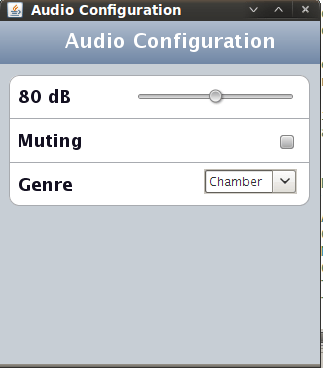
Running:
 Max Katz

Leave a comment