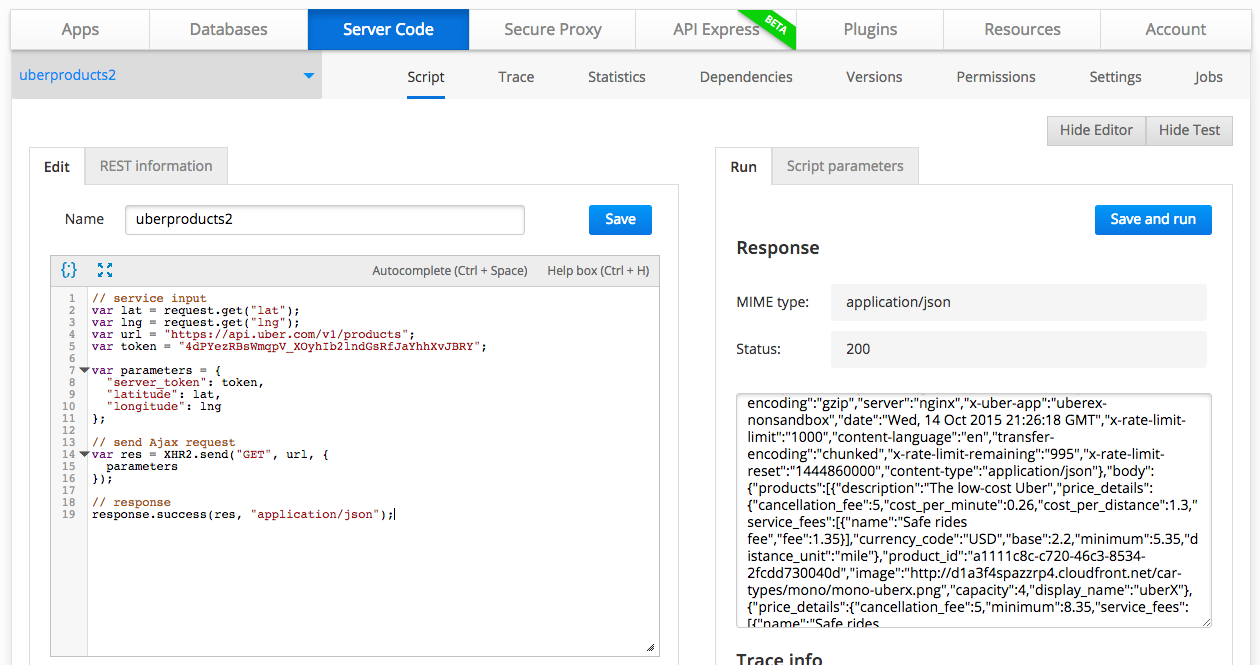
Last Friday I blogged how to invoke Uber REST API from the server. I was looking at Uber documentation and realized there is a better and more elegant way to invoke the API. Uber specifically provides a server token. Instead of using a header parameter, I have updated the script to use the server token. This is how the code looks now:
// service input
var lat = request.get("lat");
var lng = request.get("lng");
var url = "https://api.uber.com/v1/products";
var token = "4dPYezRBsWmqpV_XOyhIb2lndGsRfJaYhhXvJBRY";

var parameters = {
  "server_token": token,
  "latitude": lat,
  "longitude": lng
};

// send Ajax request
var res = XHR2.send("GET", url, {
  parameters
});

// response
response.success(res, "application/json");
Also, instead of attaching the parameters to the URL, the script creates parameters object with all the inputs for the API. This script is more elegant and simpler to understand.

 Max Katz
Leave a comment