Okta Workflows how-to guides are questions and answers from weekly community office hours, #okta-workflows channel on MacAdmins Slack, and other places. Read all the other how-to guides.
On to the question.
How to send HTML email with Gmail and Office 365 Email in Okta Workflows?
Using the Compose card to create an HTML message
The Text – Compose card supports HTML markup. Use the Compose card to create an HTML message to send:

Sending with Gmail
To send an email, use the Gmail – Send Email card and set the Body is HTML to yes in Options first:

After the HTML option is set, connect the HTML message field to the Body field:

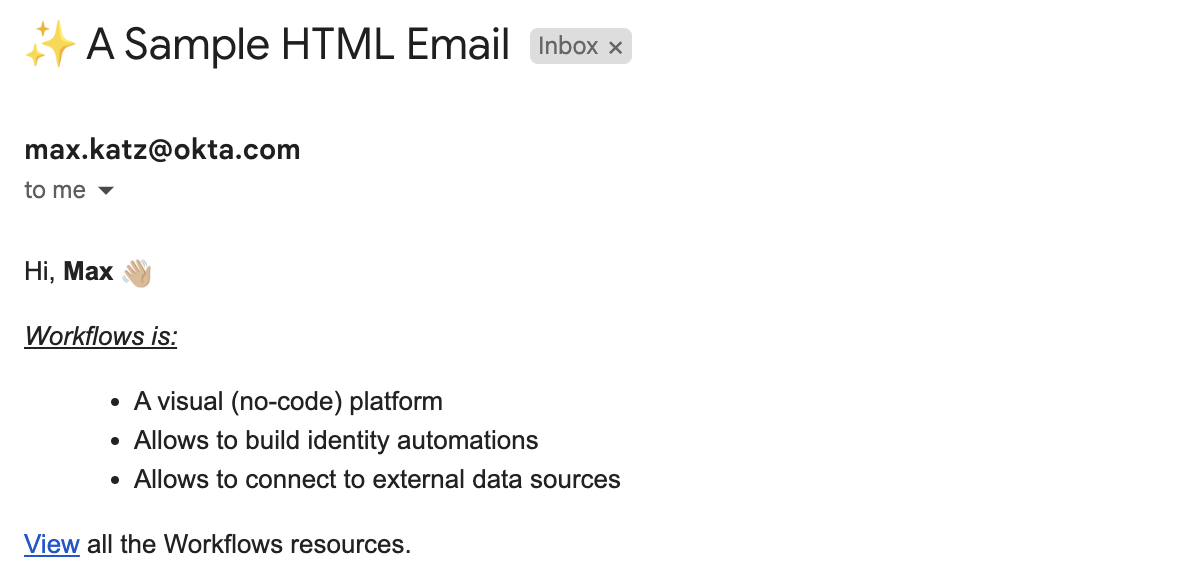
This is how the email looks:
Sending with Office 365 Email
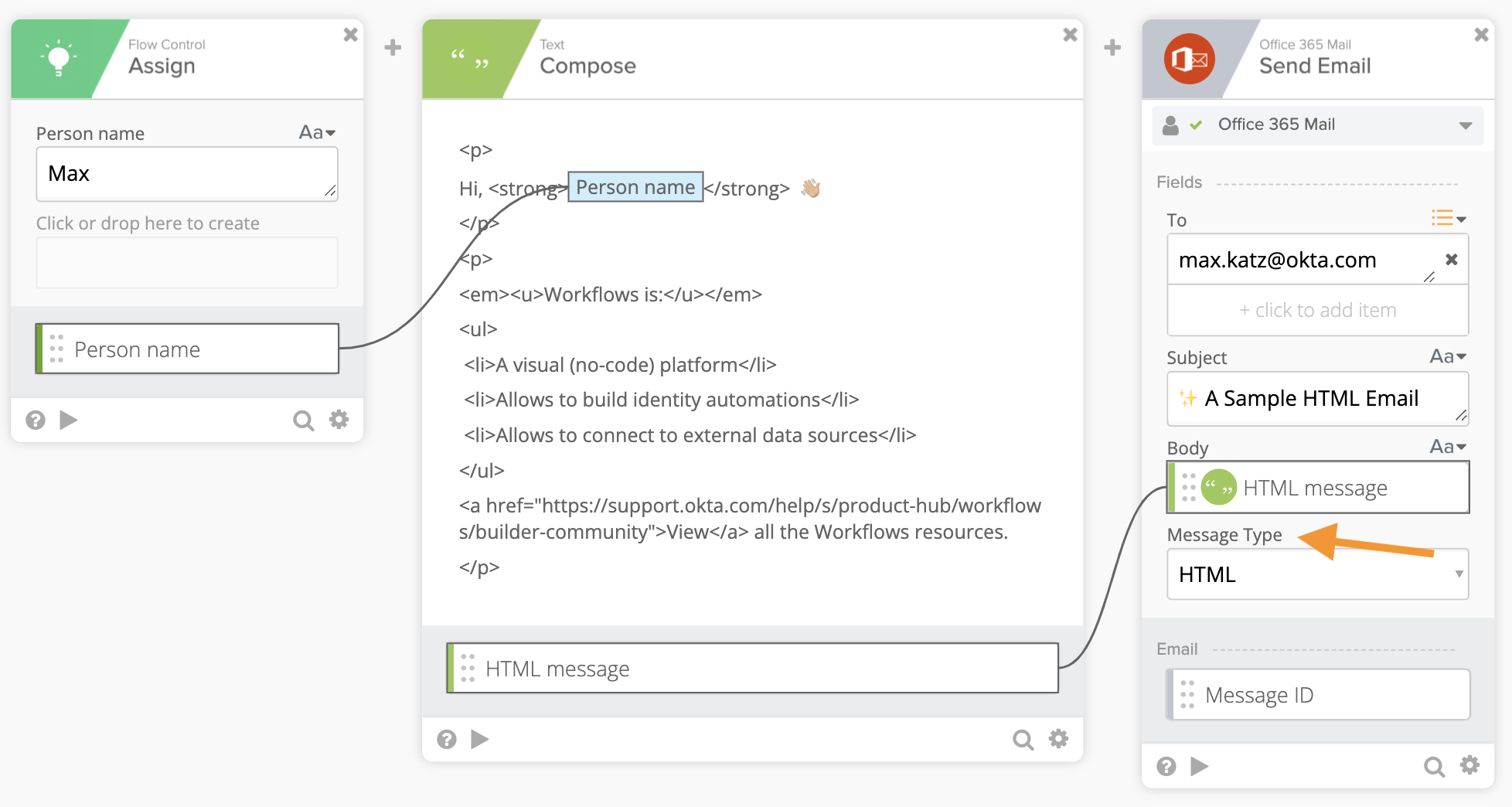
Using the Office 365 Email – Send Email card is similar. The only difference is you set the message type to HTML using the Body field on the card:
What you learned
In this how-to guide, you learned how to send HTML using the Gmail and the Office 365 Mail cards.
More resources to help you learn:
🍫 Get help from Workflows specialists during weekly community office hours.
📺 Learn from Workflows videos.
🛟 Get help from support: discuss a Workflows topic or ask a question.
🙋🏻♀️ Join the #okta-workflows channel on MacAdmins Slack to learn and get help from the community.
 Max Katz
Leave a comment