In this guide:
- Okta Workflows guides
- Calling Kolide API from Okta Workflows
- Related Okta Workflows guides
- Okta Workflows resources
Okta Workflows guides
Okta Workflows guides are questions and answers from the community office hours, the #okta-workflows channel on MacAdmins Slack, and other places. Read all the other how-to guides.
How to call Kolide API from Okta Workflows?
How do you make the following Kolide API call from Okta Workflow?
curl --request GET \
     --url 'https://api.kolide.com/audit_logs?per_page=25' \
     --header 'accept: application/json' \
     --header 'authorization: Bearer faux_token_here' \
     --header 'x-kolide-api-version: 2023-05-26'
Calling Kolide API from Okta Workflows
The Kolide API passes the authorization information in the header. To prevent storing the token in plain text in the flow itself, create a connection to Kolide in Workflows.
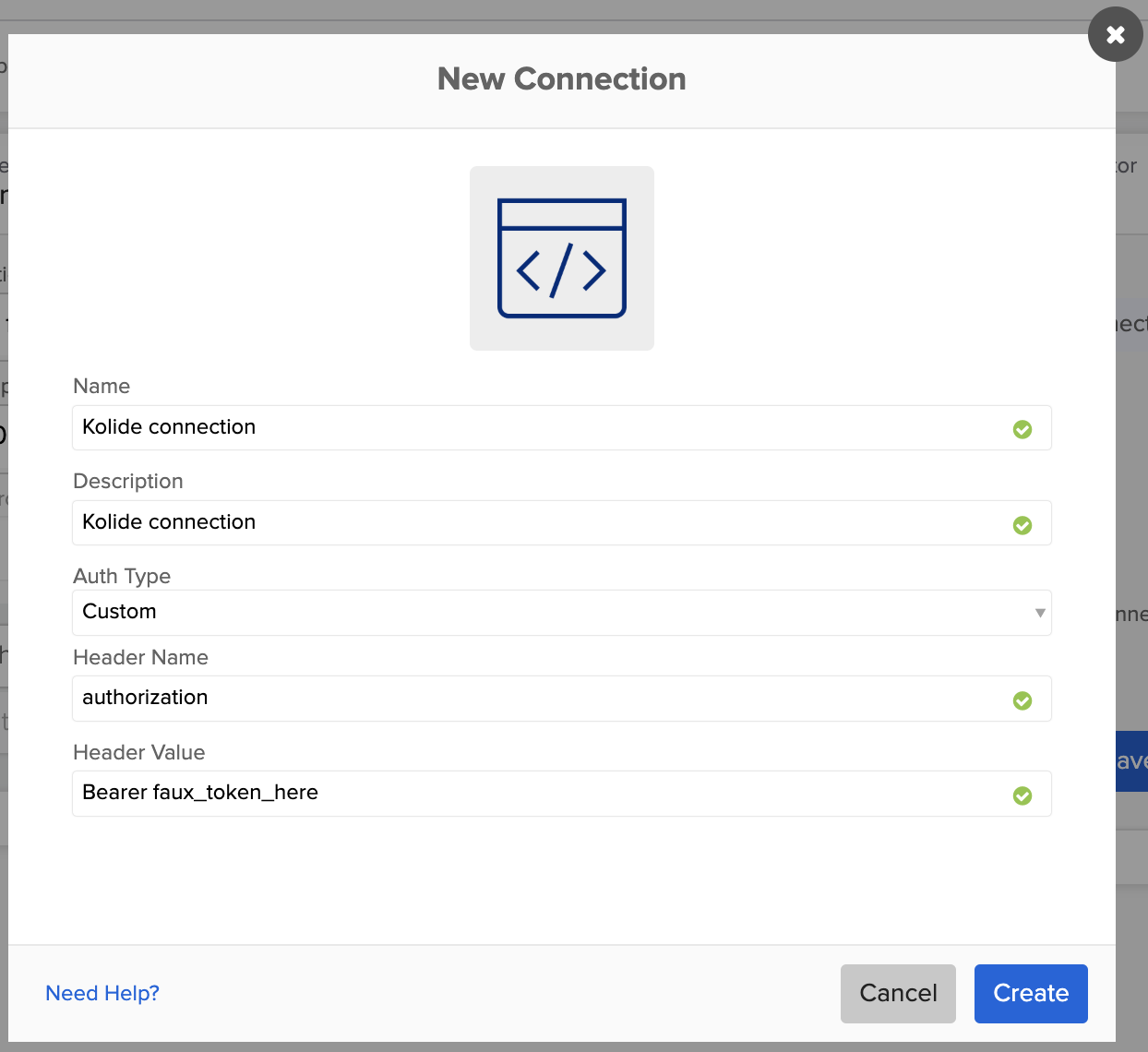
To call the Kolide API, set up any additional parameters and then use the API Connector – Get card with the Kolide connection to make the call.

The flow above passes the API version (x-kolide-api-version) in the header and results per page (per_page) in the query.
Related Okta Workflows guides
Okta Workflows resources
🍫 Get help from Workflows specialists during weekly community office hours.
📺 Learn from Workflows videos.
🛟 Ask questions and share your flows on the Okta Workflows community forum.
🙋🏻♀️ Get help from the community: join the #okta-workflows channel on MacAdmins Slack.
 Max Katz
Leave a comment