In this guide:
Okta Workflows guides
Okta Workflows guides are questions and answers from the community office hours, the #okta-workflows channel on MacAdmins Slack, and other places. Read all the other guides.
How to search a card’s JSON response in Okta Workflows?
This guide will teach you how to search a card’s JSON response in Okta Workflows.
This guide is based on a tip from Jacob Waters, a Staff IT Engineer and a MacAdmins Slack community member.
Searching card’s JSON response
The following shows testing a Workflows card:

Clicking on an item shows you the JSON response:
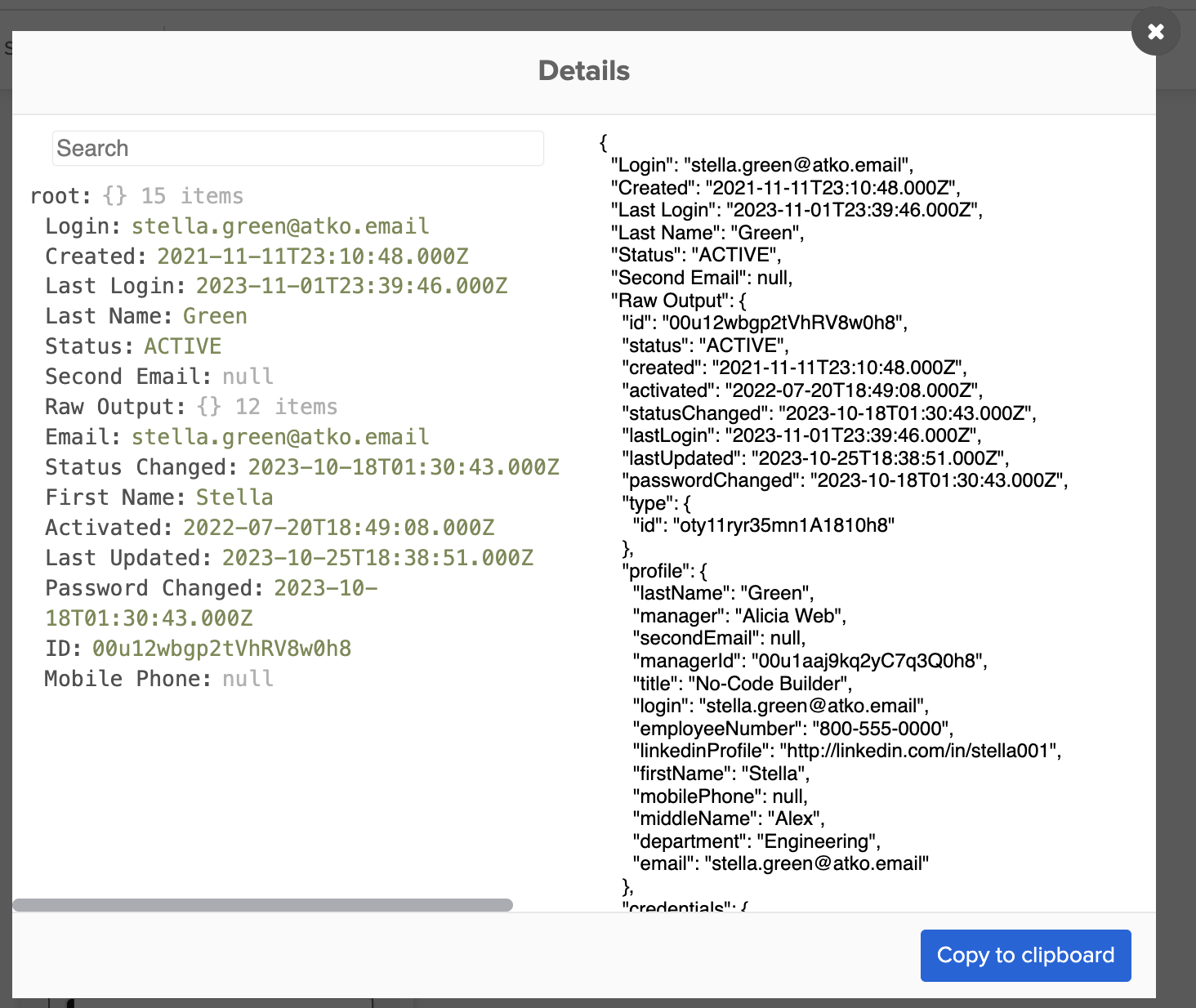
You can search the response to find a particular value.
Searching for stella shows matching results in yellow:
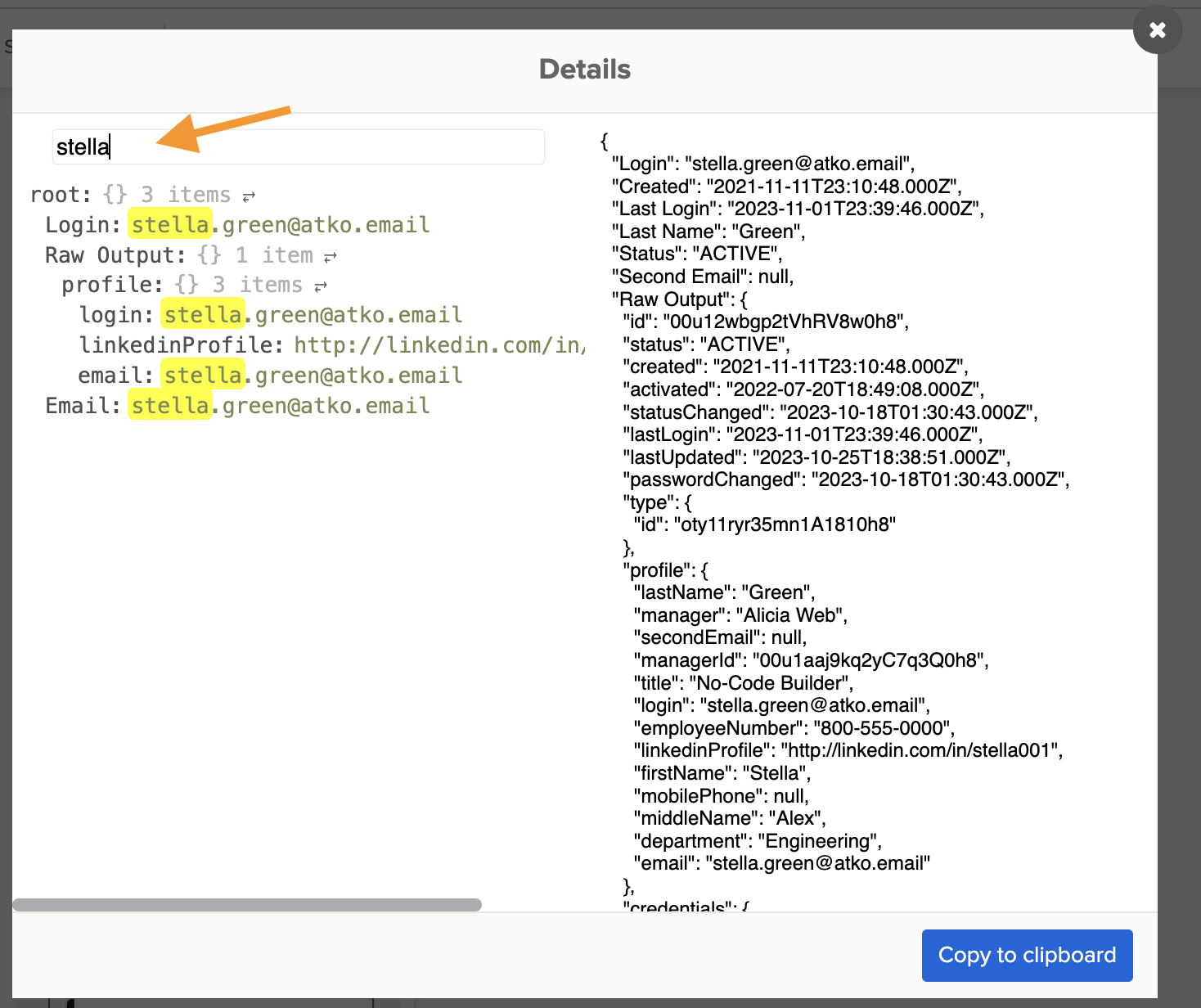
You can also search for a key:

The JSON on the right side has small arrows with the label expand when you hover over the arrows:

Clicking on the arrows expands the particular JSON path:

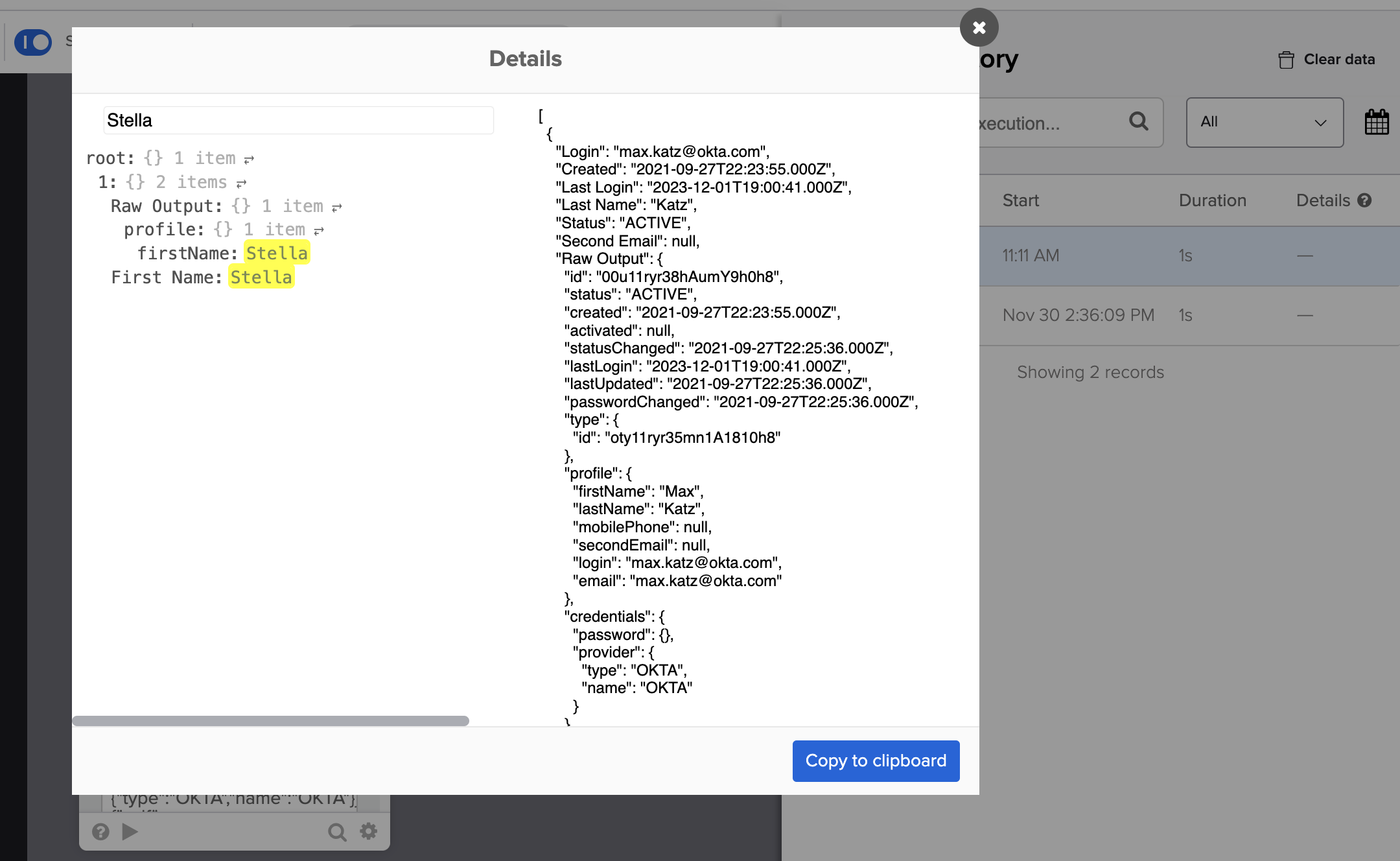
The search also works when running the flow and looking at a particular card response:
Workflows resources
🍫 Get help from Workflows specialists during weekly community office hours.
📺 Learn from Workflows videos.
🛟 Get help from support: discuss a Workflows topic or ask a question.
🙋🏻♀️ Get help from the community: join the #okta-workflows channelon MacAdmins Slack.
 Max Katz
Leave a comment