In this guide:
Okta Workflows guides
Okta Workflows guides are questions and answers from the community office hours, the #okta-workflows channel on MacAdmins Slack, and other places. Read all the other guides.
How to create, save and download a text file in Okta Workflows?
This guide will teach you how to create, save, and download a text file in Okta Workflows using Google Docs and Google Drive connectors.
Create a text file
The following flow shows how to create a text file:

The steps in the flow:
- The Compose card creates a text.
- The Google Docs – Create Document creates a document with a name in Google Drive. It returns the document ID.
- The Google Docs – Update Document card inserts text into a Google Docs document with the ID from the previous step.
- Set the Operation Type to Insert Text in Options.
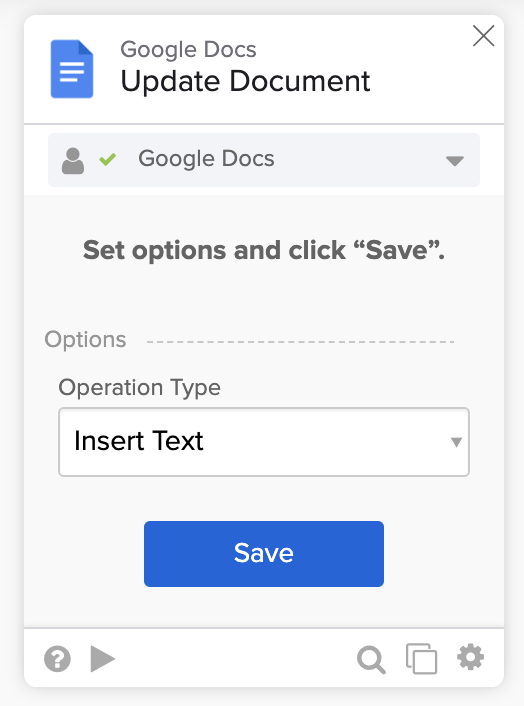
- Set the Operation Type to Insert Text in Options.
- Download the file using Google Drive – Download File card with the document ID from step 2.
Running the flow:

The flow creates the following document:

Things to know
- Rerunning the flow again will create a file with a different ID and the same Workflows Text File name.
Related Okta Workflows guides
Okta Workflows resources
🍫 Get help from Workflows specialists during weekly community office hours.
📺 Learn from Workflows videos.
🛟 Get help from support: discuss a Workflows topic or ask a question.
🙋🏻♀️ Get help from the community: join the #okta-workflows channel on MacAdmins Slack.
 Max Katz
Leave a comment