In this guide:
Okta Workflows guides
Okta Workflows guides are questions and answers from the community office hours, the #okta-workflows channel on MacAdmins Slack, and other places. Read all the other guides.
How to send an email with an image in Okta Workflows?
This guide will teach you to send an email with an image in Okta Workflows.
Send an email with image
The following flow shows sending an email with an image using the Gmail – Send Email card:

The flow has the following steps.
Create the message
The Text – Compose card creates an HTML message with an image. The message embeds the image using the HTML <img src/> tag.
Send the message
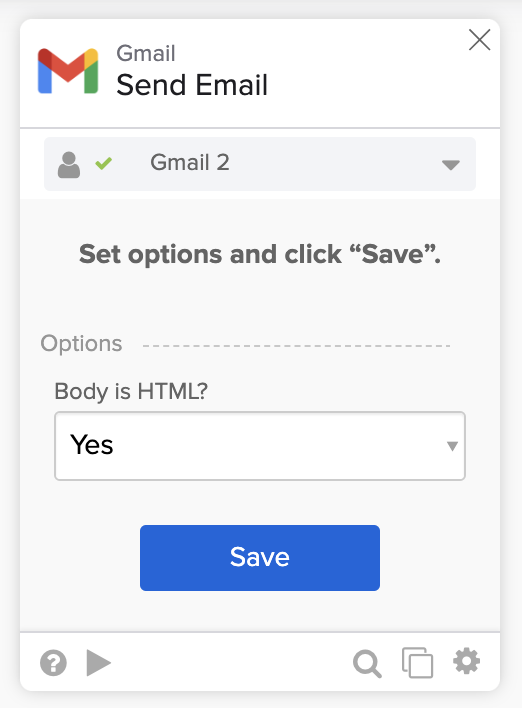
The Gmail – Send Message card sends the email. Configure the Send Message card to send an HTML message in options:
Email with an image
The flow will send the following email:

You can also set the image URL from another card:

Related Okta Workflows guides
- How to Export Group Membership to a CSV File and Email the File in Okta Workflows.
- How to Send an Email With an Attachment from Workflows.
- How to Send HTML Email with Gmail and Office 365 Email in Workflows.
Okta Workflows resources
🍫 Get help from Workflows specialists during weekly community office hours.
📺 Learn from Workflows videos.
🛟 Get help from support: discuss a Workflows topic or ask a question.
🙋🏻♀️ Get help from the community: join the #okta-workflows channel on MacAdmins Slack.
 Max Katz
Leave a comment