In this guide:
- Okta Workflows guides
- Extract one key/value from a list of objects
- Related Okta Workflows guides
- Okta Workflows resources
Okta Workflows guides
Okta Workflows guides are questions and answers from the community office hours, the #okta-workflows channel on MacAdmins Slack, and other places. Read all the other guides.
How to extract one key/value pair from a list of objects in Okta Workflows?
This guide will teach you how to extract one key/value pair from a list of objects in Okta Workflows.
Extract one key/value from a list of objects
You used Okta’s /api/v1/users/ID/factors API endpoint to retrieve the MFA factor list for a user. You need to retrieve the phone number from the SMS factor.

The following flow extracts the phone number.

The flow has the following steps:
- Get the current user ID using the Okta – Read User card.
- Set up the URL to retrieve the user’s MFA factors.
- Make a call to retrieve the user’s MFA factors.
- The List – Find card finds the first item in a list that meets a specified condition. The card receives a list of objects. It finds the object where factorType is equal to sms. The card’s output retrieves the phoneNumber field from the object (instead of using the Object – Get card).
You can pass the phoneNumber to another card:

When running the flow, the Find card receives four objects (four factors):
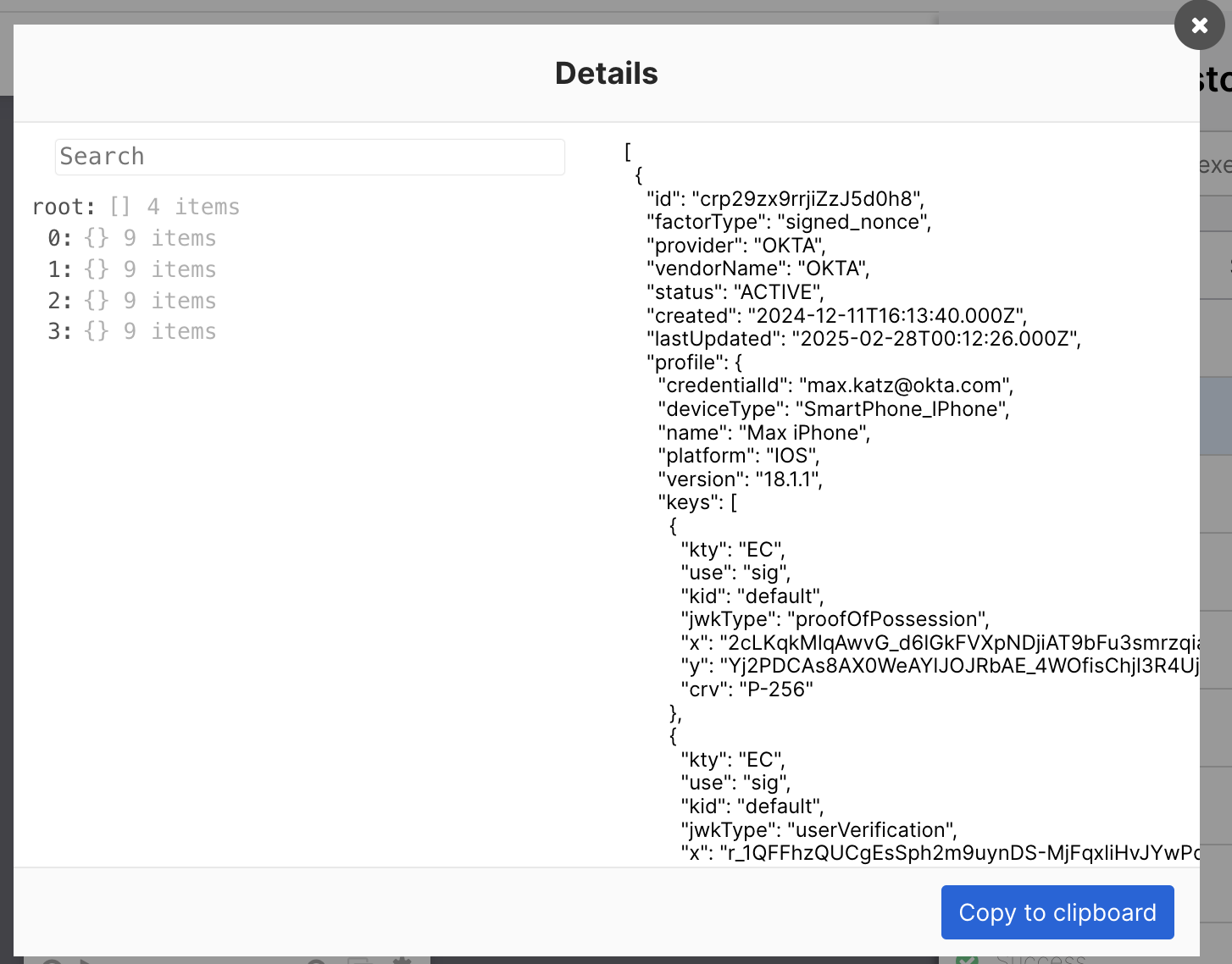
And returns the object the factorType is sms:

Related Okta Workflows guides
Okta Workflows resources
📺 Learn from Okta Workflows videos.
❓Ask questions during Okta Workflows community office hours.
🛟 Ask questions on the Okta Workflows community forum.
🙋🏻♀️ Join the #okta-workflows channel on the MacAdmins Slack to get help from the community.
 Max Katz
Leave a comment