Okta Workflows Tips are short and handy Workflows tips and tricks. Read all the previous tips.
Find the Flow that Called a Helper Flow
If you have a folder with many helper flows, finding the helper flow immediate calling flow might be challenging.
If the helper flow has at least one execution, you can find the flow that called it. Open any helper execution. The first Helper Flow card has the Caller field. You will see the root_wf_id inside the Caller field:

Copy and root_wf_id and insert it into the following URL and open it. This URL will open the immediate calling flow.
https://{okta-org}.workflows.oktapreview.com/app/flows/{root_wf_id}Or the URL for Production:
https://{okta-org}.workflows.okta.com/app/flows/{root_wf_id}Using root_wf_id works for a one-level deep helper flow. Use Event metadata for Execution Log Streaming for a more robust way to find the immediate calling flow.
Use a bookmarklet
Gabriel Sroka from the Mac Admins Slack Workflows community created a bookmarklet that allows you to add to your browser and open the immediate calling flow with a click.
Create a bookmarklet and set the following for the bookmarklet URL:
javascript:open('/app/flows/' + document.body.innerHTML.match(/"root_wf_id":"(.*?)"/)[1])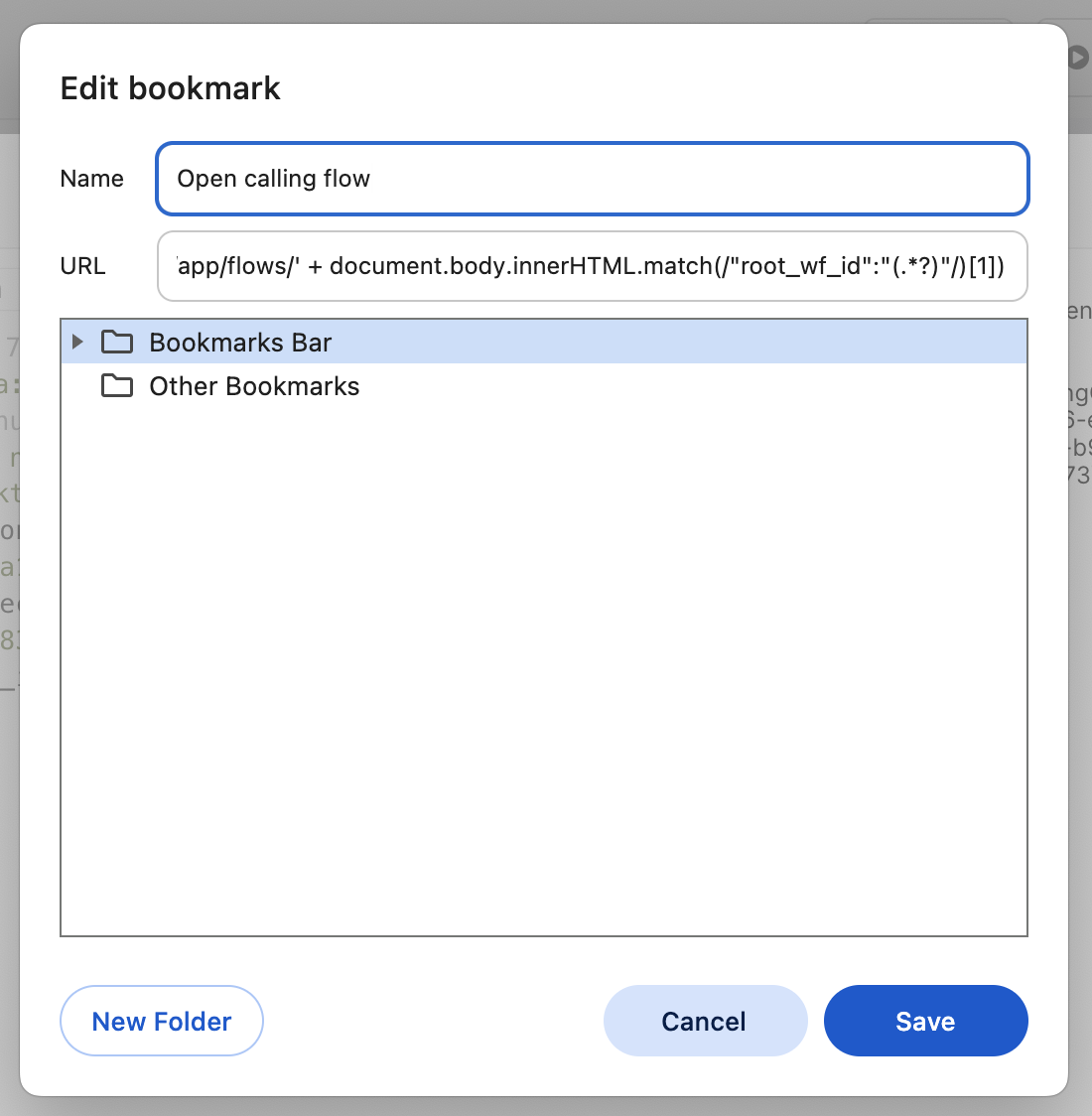
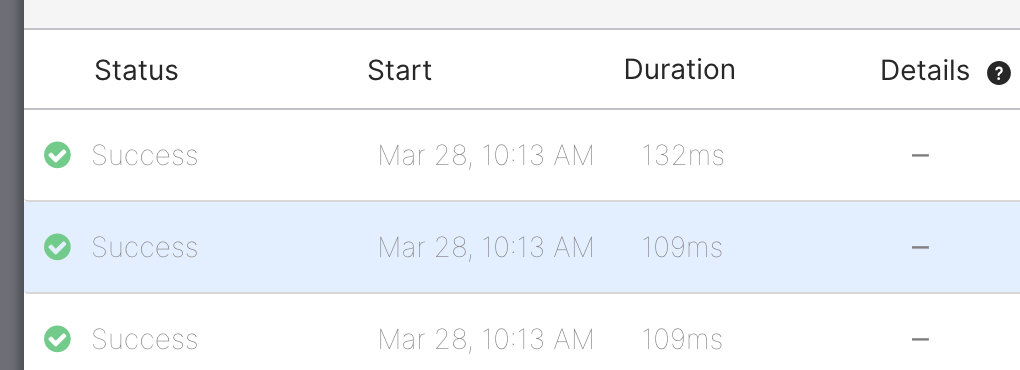
Select an execution and click the bookmarklet to open the calling flow.
Okta Workflows resources
🚀 New to Okta Workflows? The Getting Started with Okta Workflows page has all the resources to help you get started.
📺 Like learning from videos? Watch Okta Workflows videos.
❓Have a question? Ask during community office hours or post on the community forum.
🙋🏻♀️ Want to learn from the community? Join the #okta-workflows channel on the MacAdmins Slack.
📖 Want to learn more about identity automation? Take Workflows training on Okta Learning.
 Max Katz
Leave a comment