Okta Workflows Tips are short and handy Workflows tips and tricks. Read all the previous tips.
Group ID from name
The Okta connector has the Read Group card, which takes a group ID and returns group information such as name and description.
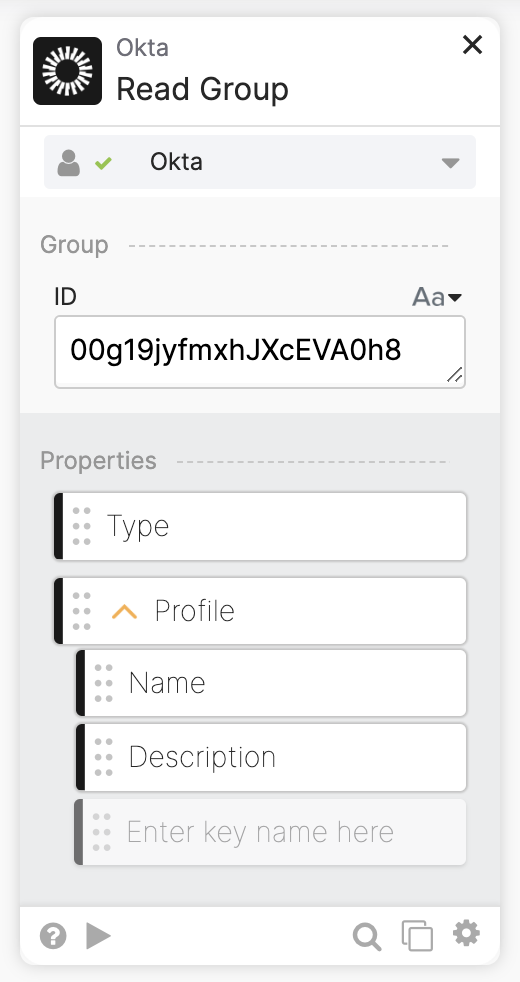
You want a card that works the other way, you have a group name, and you want to get the group ID. The Okta connector does not have a card for that, but you can use the following flow:

Several things to note:
- The Okta-Search Groups uses the First 200 Matching Records option.
- The Object-Get card will return an empty value if a group doesn’t exist.
Okta Workflows resources
🚀 New to Okta Workflows? The Getting Started with Okta Workflows page has all the resources to help you get started.
📺 Like learning from videos? Watch Okta Workflows videos.
❓Have a question? Ask during community office hours or post on the community forum.
🙋🏻♀️ Want to learn from the community? Join the #okta-workflows channel on the MacAdmins Slack.
📖 Want to learn more about identity automation? Take Workflows training on Okta Learning.
 Max Katz
Leave a comment