Okta Workflows Tips are short and handy Okta Workflows tips and tricks. Read all the earlier tips.
Find flows that use a connection
Open the Connections page in Okta Workflows to see all the connections.
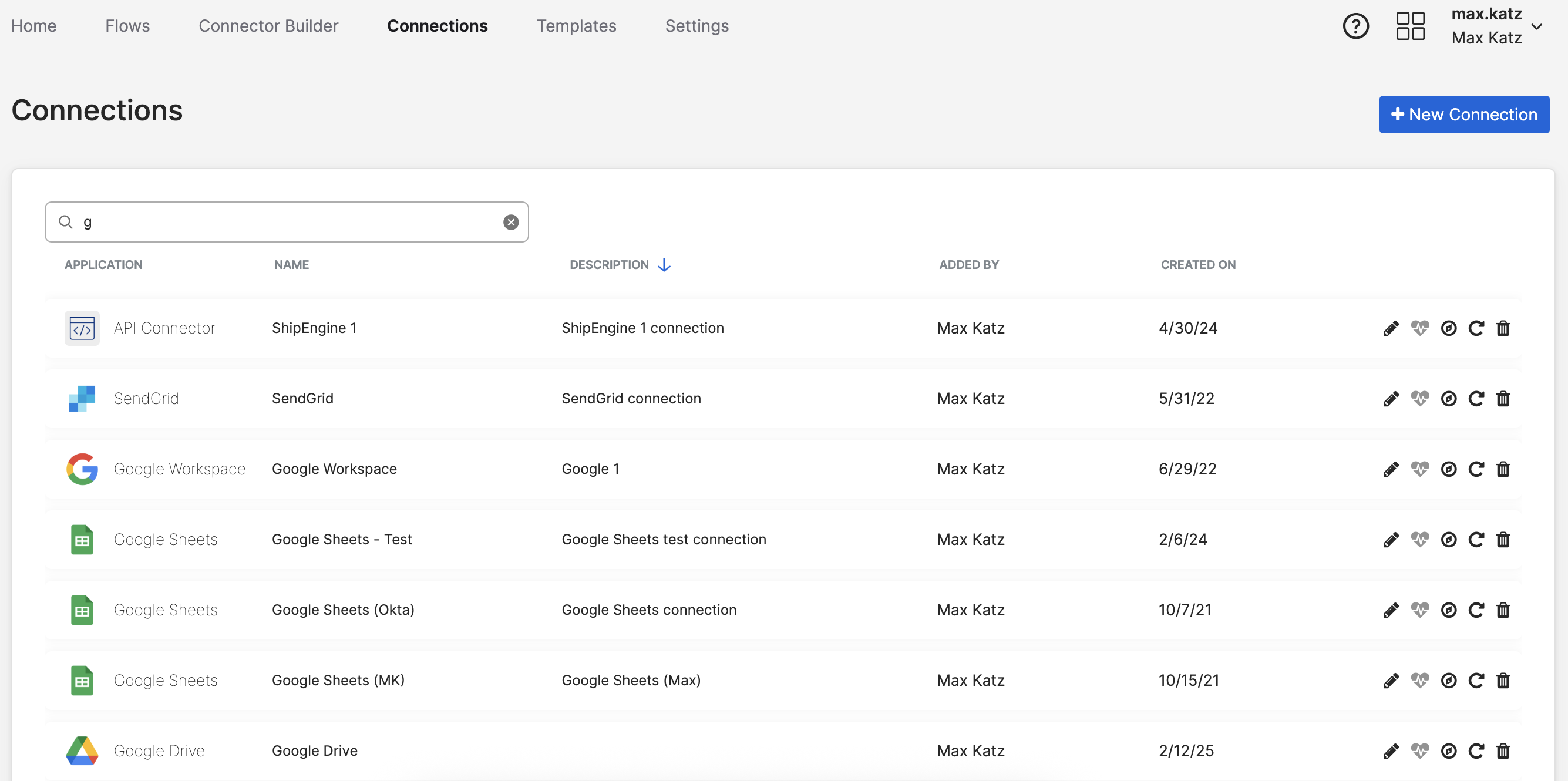
Find a connection you want to learn about and click the third icon (Usage). A popup will show all the flows where this connection is used. You can click the icon in the last column to open each flow.

Watch the video below to learn how to organize flows, folders, and tables.
Okta Workflows resources
🚀 New to Okta Workflows? The Getting Started with Okta Workflows page has all the resources to help you get started.
📺 Like learning from videos? Watch Okta Workflows videos.
❓Have a question? Ask during community office hours, post on the community forum, or email me.
🙋🏻♀️ Want to learn from the community? Join the #okta-workflows channel on the Mac Admins Slack.
📖 Want to learn more about Okta and automation? Take the Okta Workflows training on Okta Learning.
 Max Katz
Leave a comment