Short and handy Okta Workflows tips and tricks. Read the full series.
One way to trigger a flow is on schedule (other options are: on event, API endpoint, and manually).
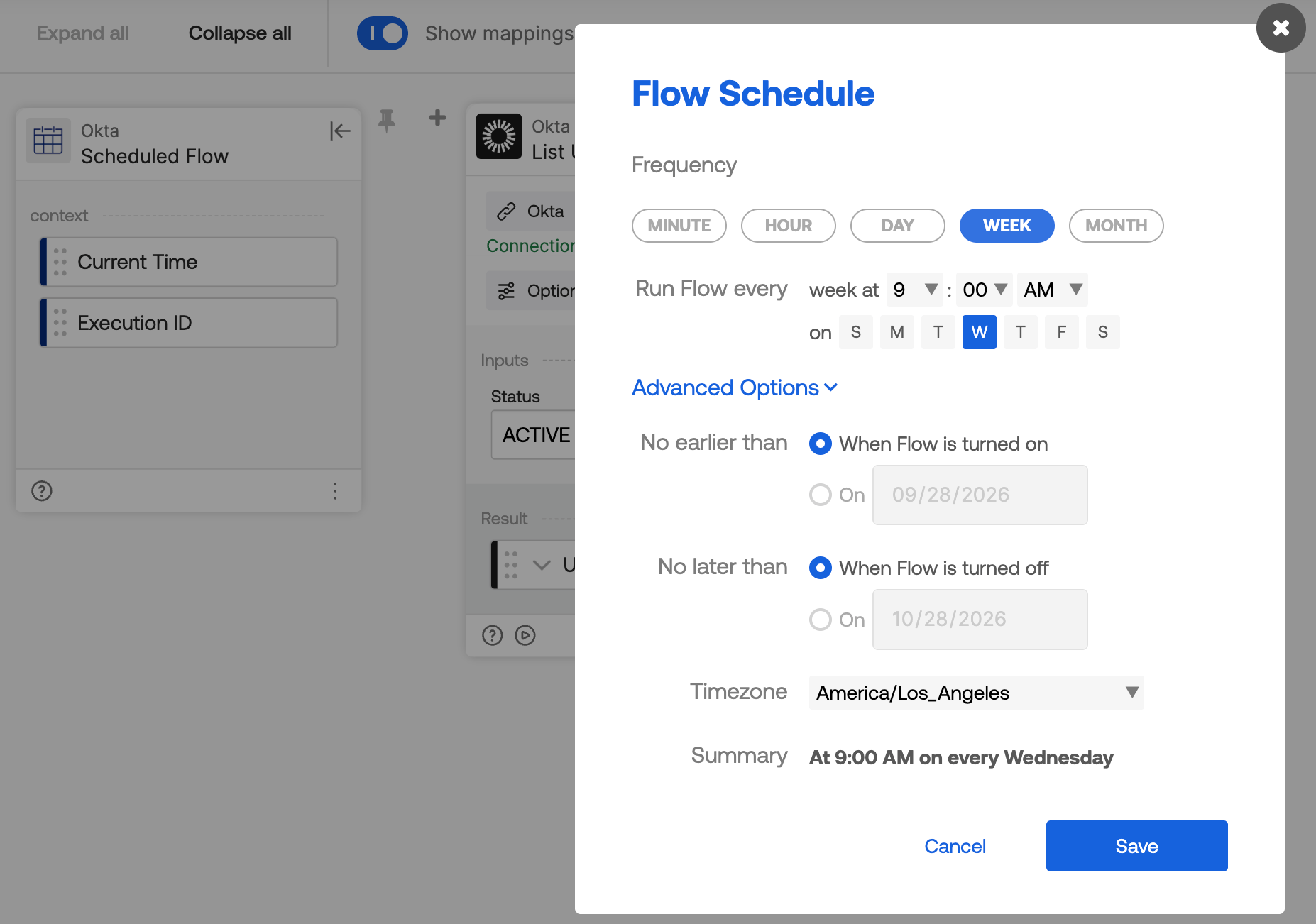
The configuration screen above doesn’t support running a flow every other week. To work around this, store the next scheduled run date in a table. Configure the flow to run weekly, and on each run, check the table for today’s scheduled date — if it matches, run the rest of the flow, then insert the next run date (two weeks out) back into the table.
Also, check out the community template Run Hourly, Daily, Weekly, and Monthly Jobs with a Reusable Scheduler for more scheduling options.
Okta Workflows resources
- 🚀 New to Okta Workflows? The Getting Started with Okta Workflows page has all the resources to help you get started.
- 📺 Like learning from videos? Watch Okta Workflows videos.
- ❓Have a question? Ask during community office hours or post on the community forum.
- 💬 Want to learn from the community? Join the #okta-workflows channel on the Mac Admins Slack.
- 🎓 Want to learn more about identity automation? Take the Okta Workflows training on Okta Learning.
Leave a Reply