Short and handy Okta Workflows tips and tricks. Read the full series.
Find the event you want to search for on the Event Types page.

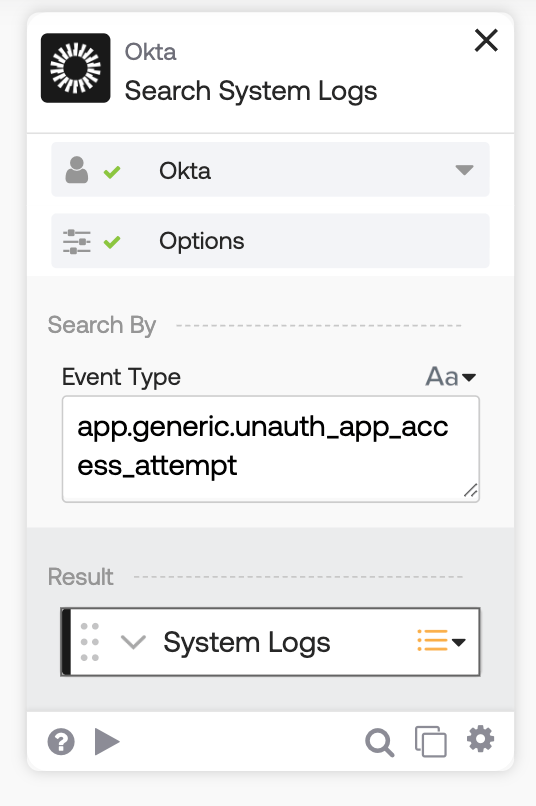
Use the Okta-Search System Log card to search for the event. For example, searching the System Log for the User attempted unauthorized access to app event (app.generic.unauth_app_access_attempt):
Read the Understanding Okta Workflows Events blog post to learn how to process events with Okta Workflows:
- Use built-in connector events from Okta and other services
- Use event hooks (webhooks) for Okta events
- Use webhooks for 3rd party services
- Search the System Log for events
Okta Workflows resources
🚀 New to Okta Workflows? The How to Get Started with Okta Workflows page outlines straightforward steps to get started.
📺 Like learning from videos? Watch Okta Workflows videos.
❓Have a question? Ask during community office hours, post on the community forum, or email me.
🙋🏻♀️ Want to learn from the community? Join the #okta-workflows channel on the Mac Admins Slack.
📖 Want to learn more about Okta and automation? Take the Okta Workflows training on Okta Learning.
Leave a Reply