Short and handy Okta Workflows tips and tricks. Read the full series.
One of the first things to consider after creating a flow is how to run it. You can run (trigger) a flow in the following ways:
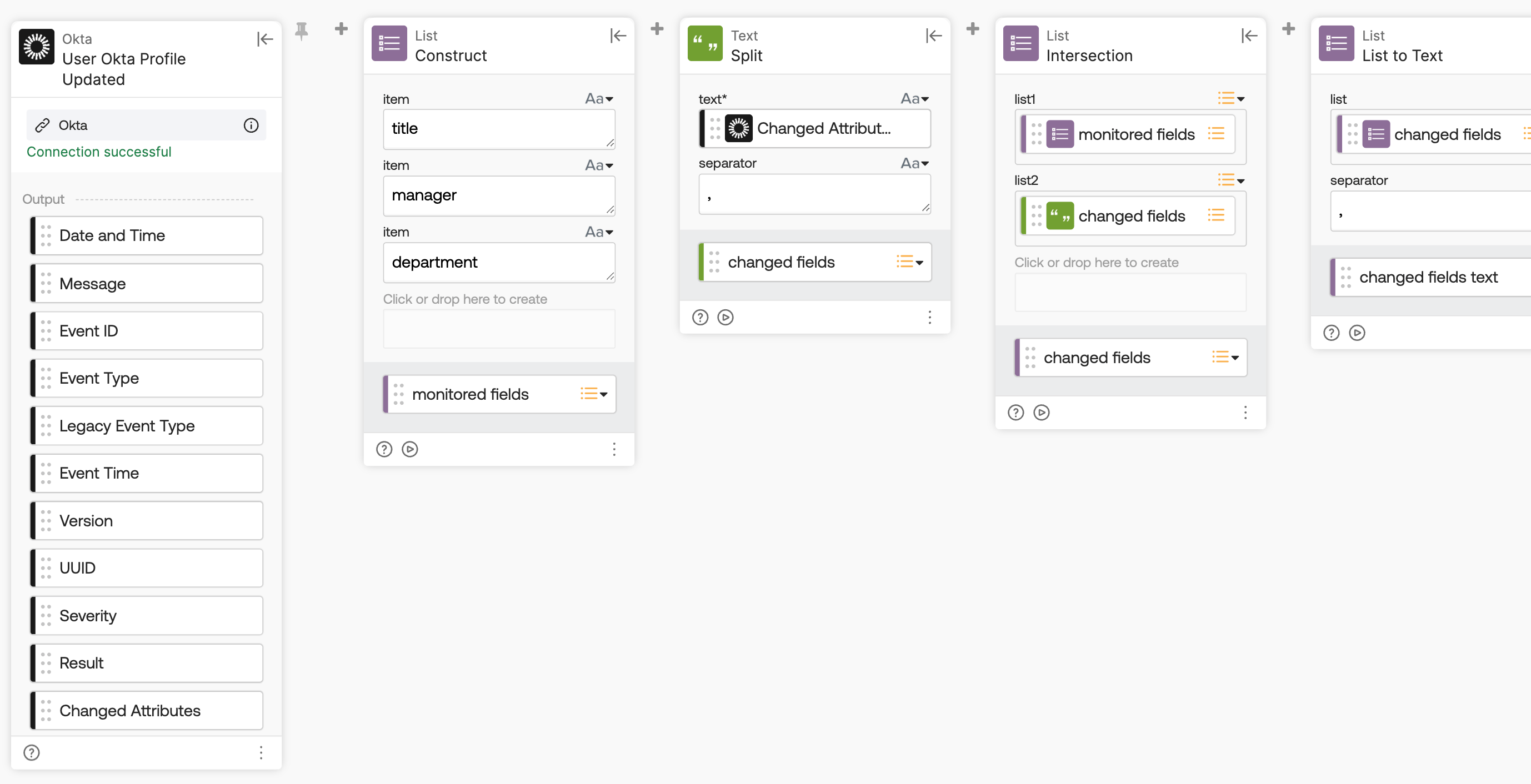
- On event: A flow runs when an event fires, such as User Okta Profile Updated.
- On schedule: A flow runs at a specific time, such as every Monday at 6:00 a.m.
- API endpoint: A flow runs when an external system calls its unique URL.
- Manually: An admin triggers a flow by clicking the Run button for one-off tasks.
- Delegated flow: A non-super admin runs a specific flow directly from the Okta Admin Console.
Read Can I do this with Okta Workflows? to learn about these ways to run a flow, and read how to set up a Delegated flow.
Okta Workflows resources
- 🚀 New to Okta Workflows? The Getting Started with Okta Workflows page has all the resources to help you get started.
- 📺 Like learning from videos? Watch Okta Workflows videos.
- ❓Have a question? Ask during community office hours or post on the community forum.
- 🙋♀️ Want to learn from the community? Join the #okta-workflows channel on the Mac Admins Slack.
- 📖 Want to learn more about identity automation? Take the Okta Workflows training on Okta Learning.
Leave a Reply