Short and handy Okta Workflows tips and tricks. Read the full series.
Workflows lets you duplicate (copy) a folder. Select a folder. Hover over a folder, select the three-dots menu, and then Duplicate:
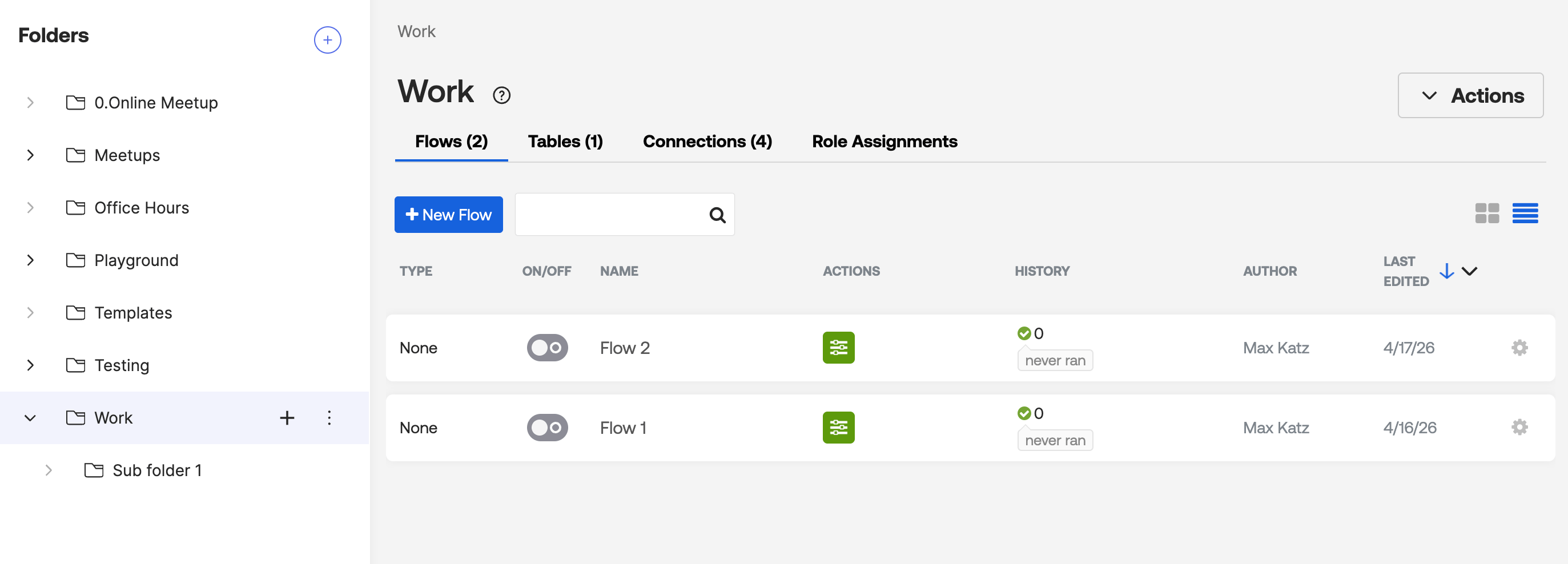
After duplicating the Work folder:
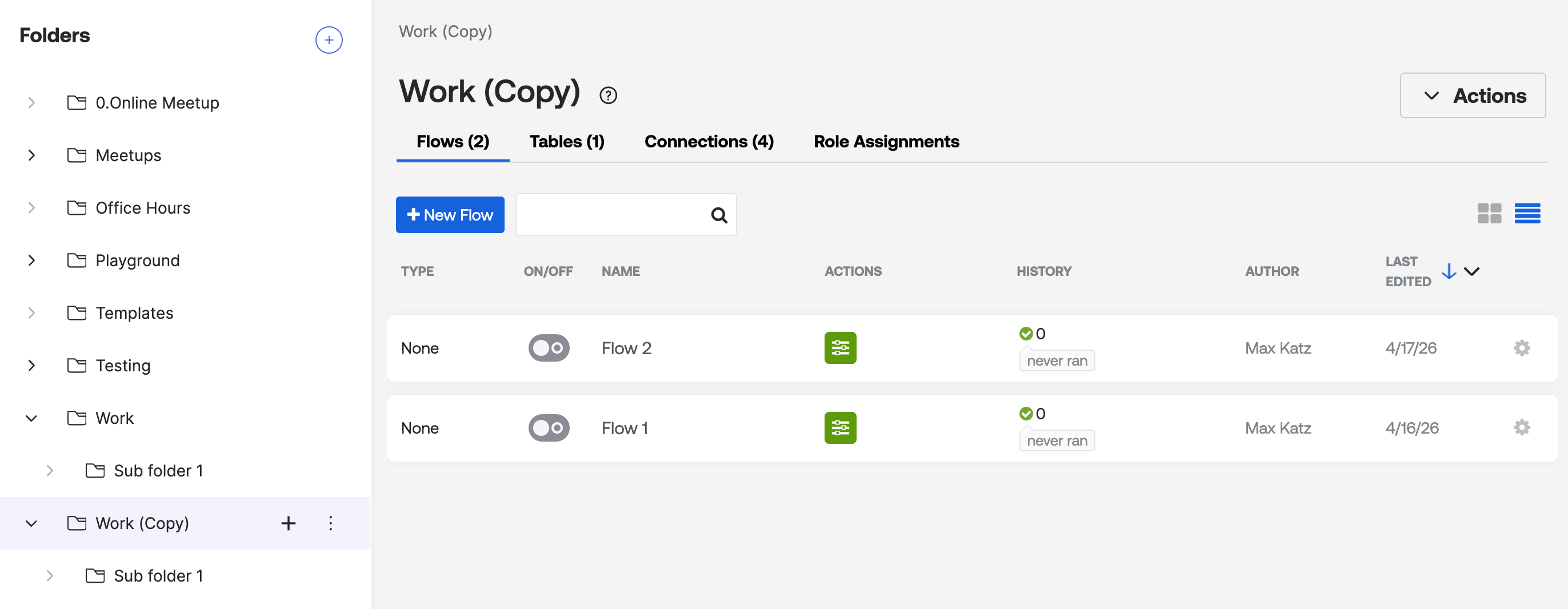
The duplicate action copies:
- Flows
- Tables
- Connections
- Role assignments
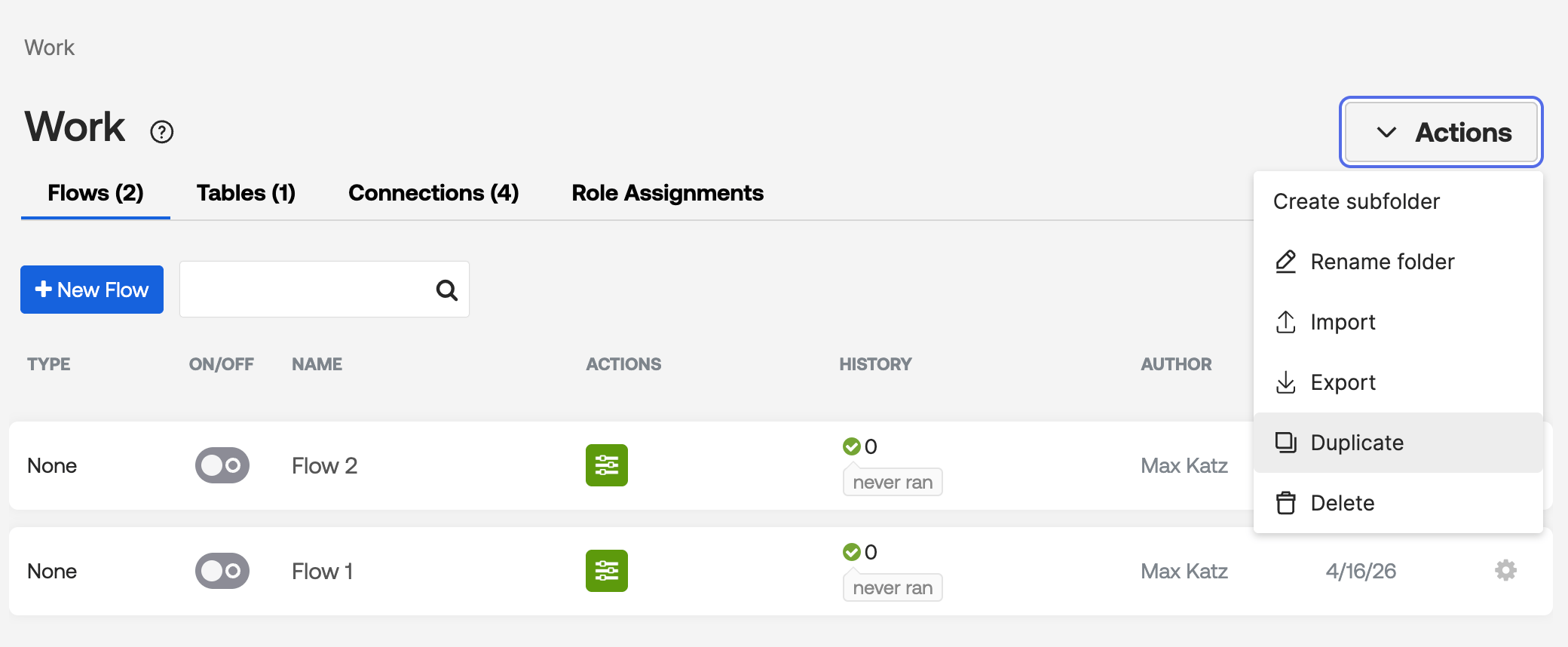
You can also duplicate a folder from the Actions menu inside the folder:
Okta Workflows resources
- 🚀 New to Okta Workflows? The Getting Started with Okta Workflows page has all the resources to help you get started.
- 📺 Like learning from videos? Watch Okta Workflows videos.
- ❓Have a question? Ask during community office hours or post on the community forum.
- 🙋♀️ Want to learn from the community? Join the #okta-workflows channel on the Mac Admins Slack.
- 📖 Want to learn more about identity automation? Take the Okta Workflows training on Okta Learning.
Leave a Reply