Short and handy Okta Workflows tips and tricks. Read the full series.
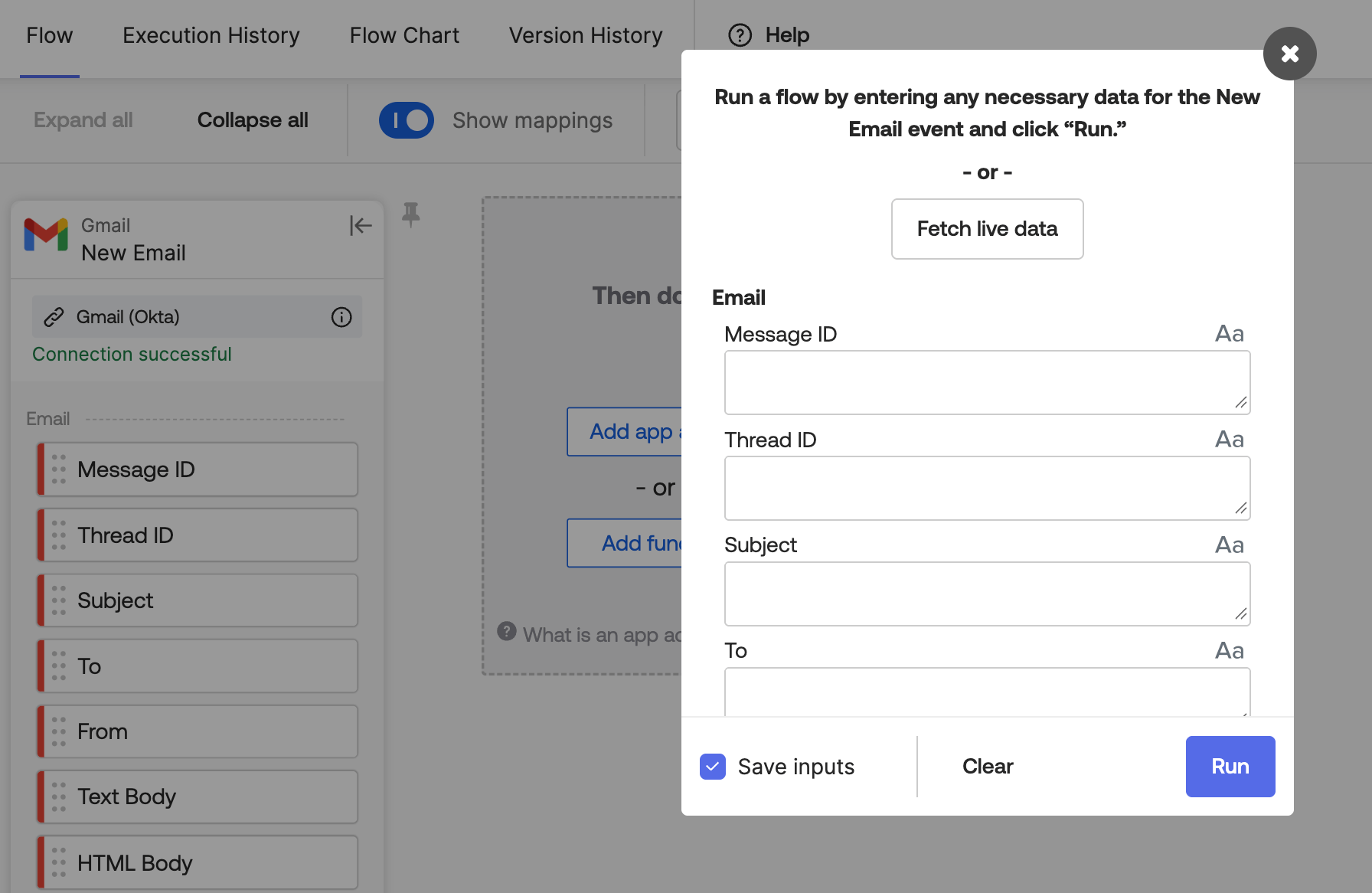
Click Fetch live data in the Run dialog to test an event card without waiting for its schedule.
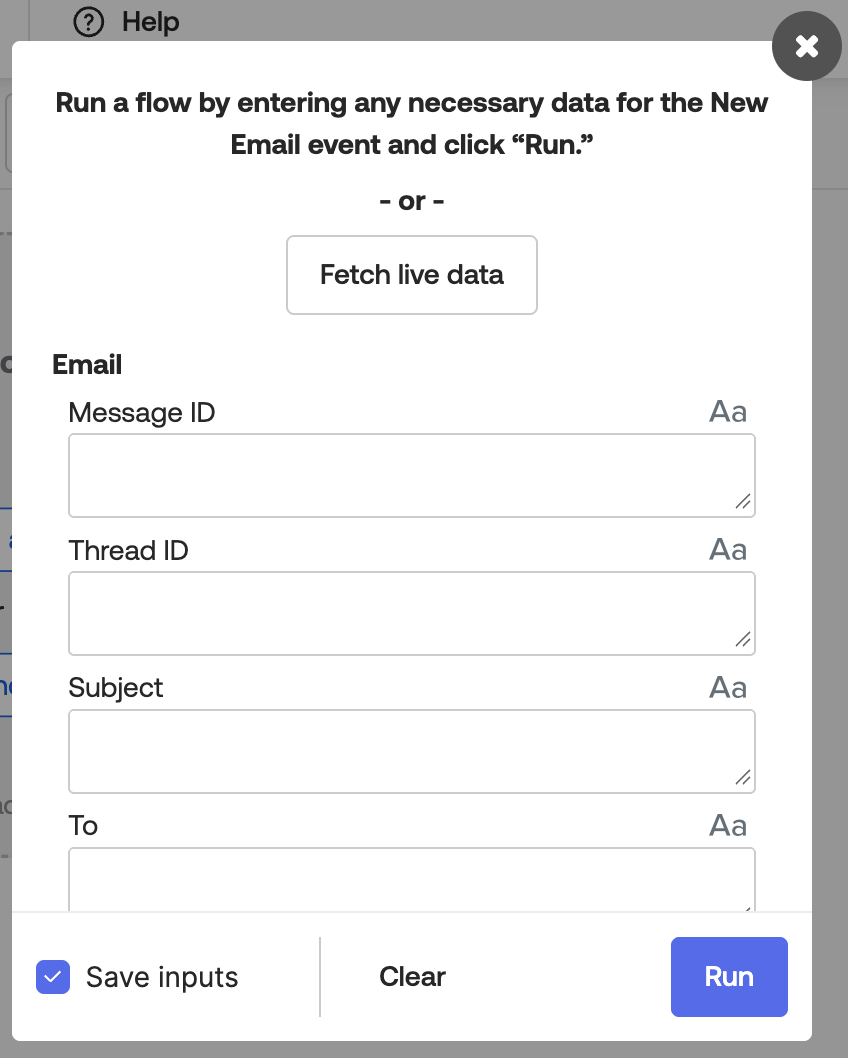
Event cards, such as the Gmail–New Email card, check for new events on a schedule. If the schedule is once an hour, a new email can wait up to an hour before the flow picks it up.
To test right away:
- Click Run at the top of the flow.
- In the dialog, click Fetch live data.
Okta Workflows resources
- 🚀 New to Okta Workflows? The Getting Started with Okta Workflows page has all the resources to help you get started.
- 📺 Like learning from videos? Watch Okta Workflows videos.
- ❓Have a question? Ask during community office hours or post on the community forum.
- 💬 Want to learn from the community? Join the #okta-workflows channel on the Mac Admins Slack.
- 🎓 Want to learn more about identity automation? Take the Okta Workflows training on Okta Learning.
Leave a Reply