Okta Workflows how-to guides are questions and answers from weekly community office hours, MacAdmins Workflows Slack channel, and other places. Read all previous how-to guides.
On to the question.
How to fix 403 Forbidden error when using Search Systems Logs card?
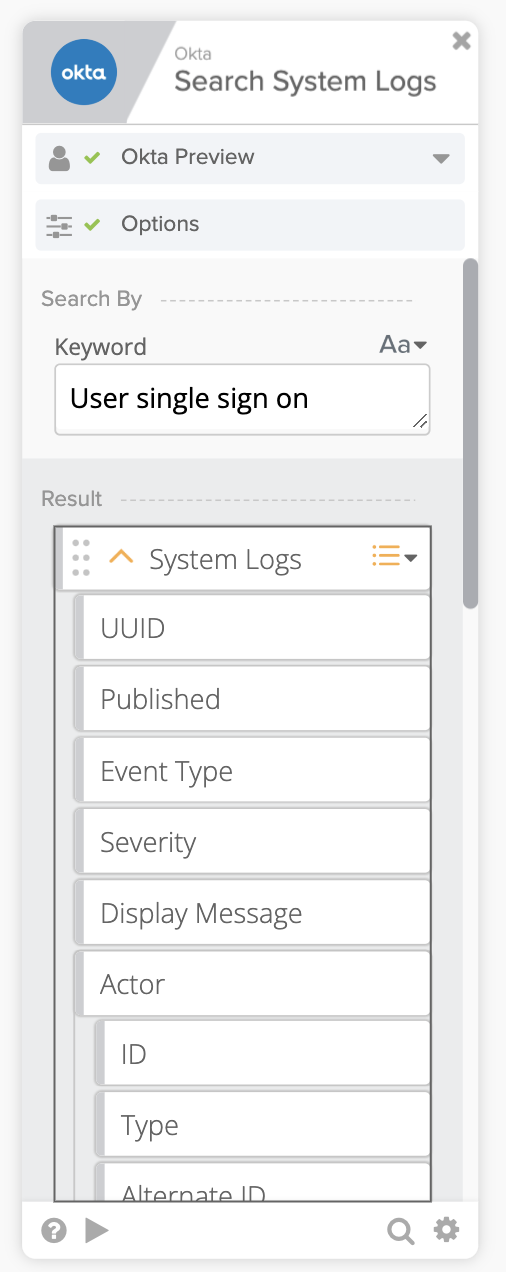
Okta – Search Systems Logs card allows you to search the Okta log by a keyword (and also expression, set in Options):
When a run a flow with this card, you might get a 403 Forbidden error:

To fix this error you need to grant an additional scope to the Okta connection.
- From the Admin Console, go to Applications > Applications
- Click Okta Workflows OAuth
- Open Okta API Scopes tab
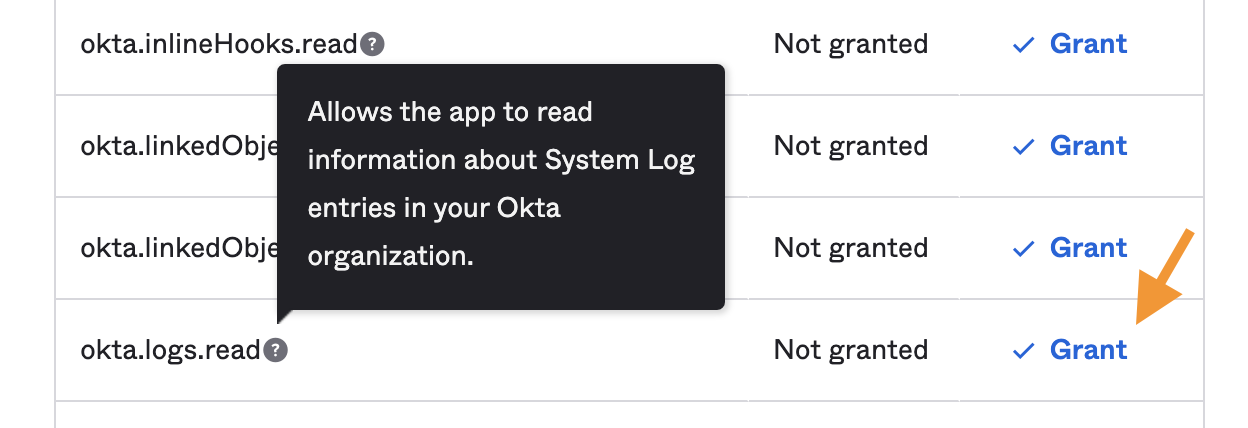
- Find the okta.logs.read scope and click Grant
- For this scope to take effect, you need to reauthorize the connection being used
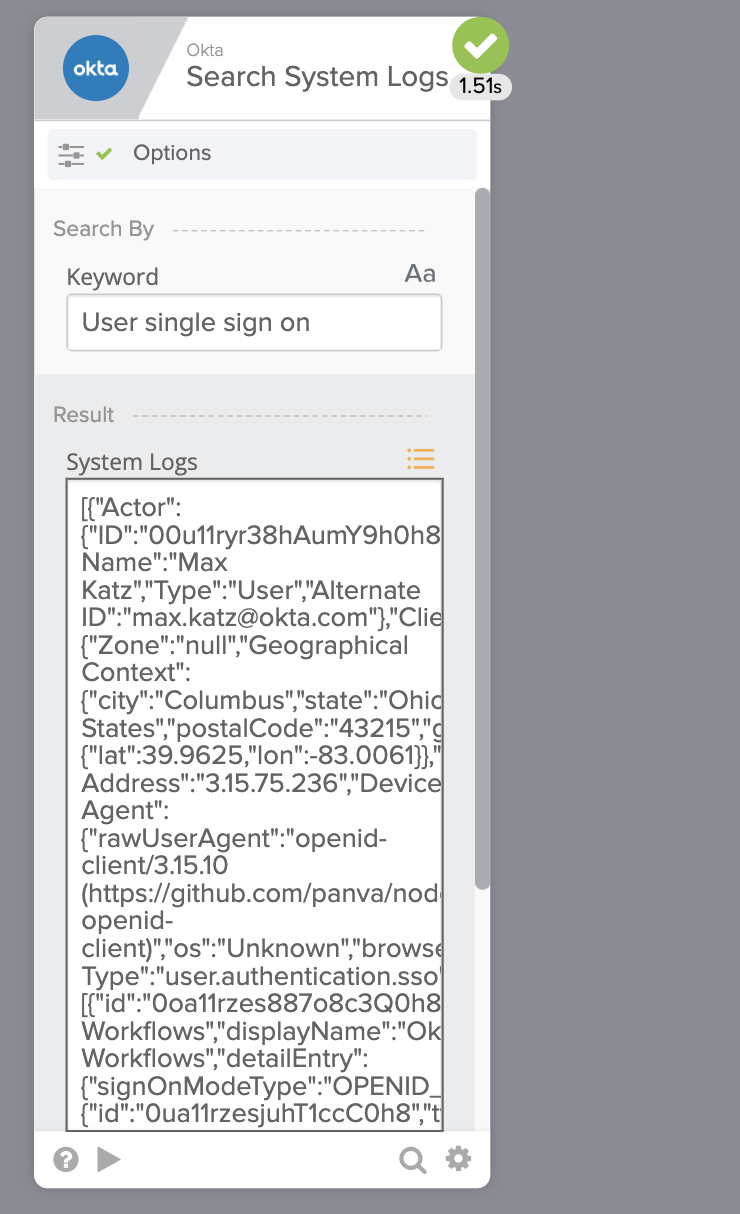
After you reauthorize, run the flow again. The card is now able to search the logs:
🙏🏼 Thanks to Bryan Barrows (LinkedIn, blog) who helped with this question on the MacAdmins Slack channel.
More resources to help you learn:
📺 Short how-to Workflows videos to help you become a better automation builder.
🍭 A collection of helpful Workflows tips.
 Max Katz
Leave a comment