Short and handy Okta Workflows tips and tricks. Read the full series.
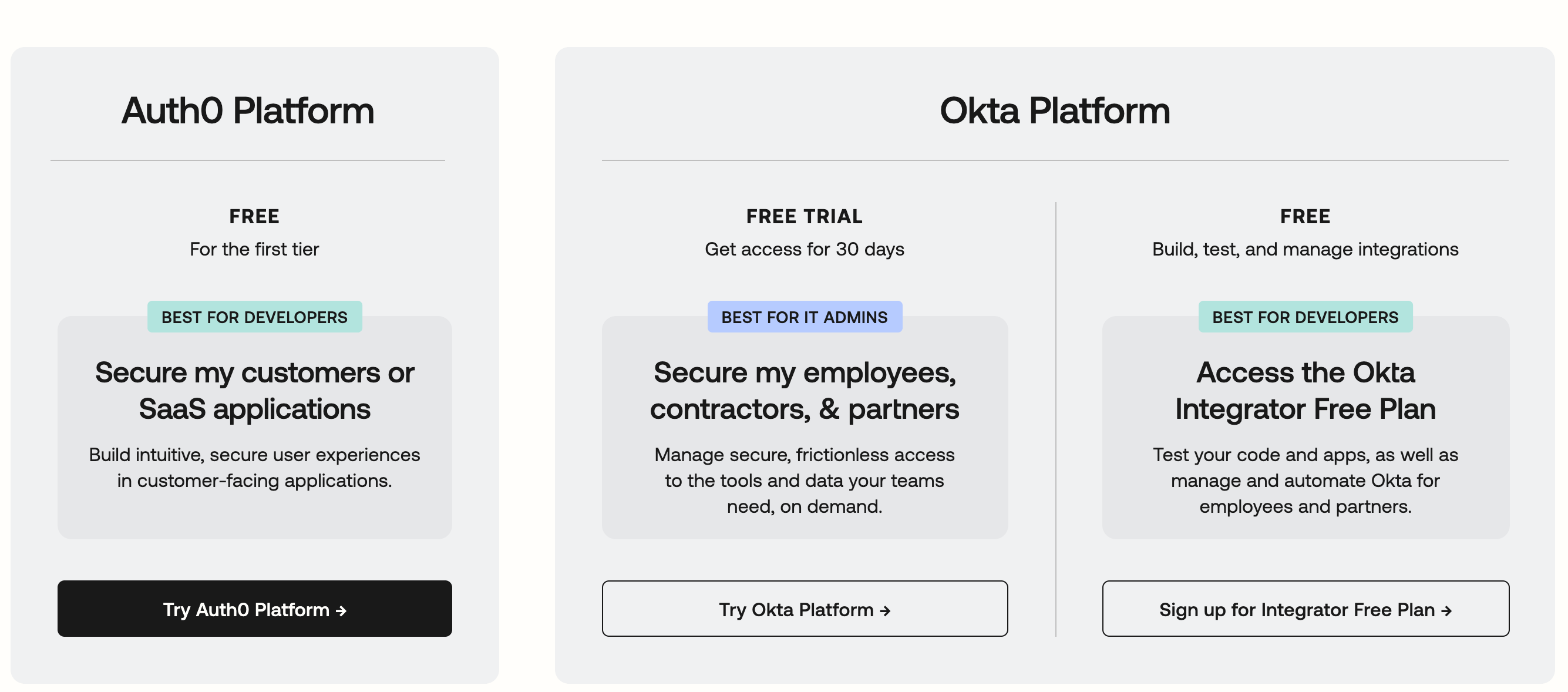
You can get a free Okta org that includes Okta Workflows. Okta offers the Integrator Free Plan — a free org designed for building, testing, and learning.
Okta Integrator Free Plan
Step 1: Sign up for the Integrator Free Plan
Go to https://developer.okta.com and create a free account. No credit card needed.
Step 2: Access your new Okta org
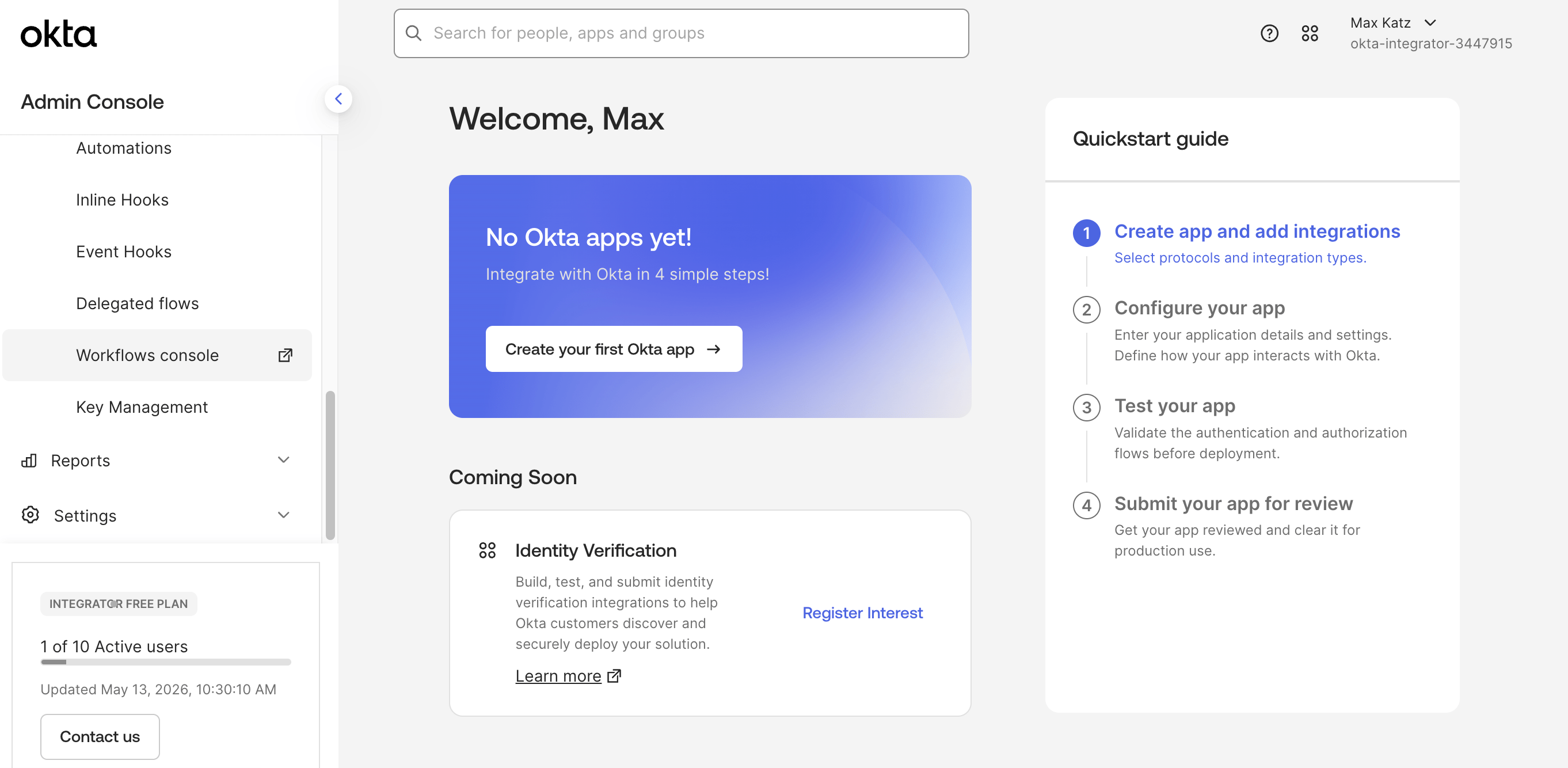
Once you sign up, you’ll get your own Okta org to manage users, apps, and settings.
Step 3: Open Workflows
From the Admin Console, open Workflows and start building. The Getting Started with Okta Workflows page has all the resources to help you get started.

This is perfect if you want to:
- Learn Okta Workflows without needing a paid org.
- Build and test flows before deploying to production.
- Follow along with tutorials and demos.
Okta Workflows resources
- 🚀 New to Okta Workflows? The Getting Started with Okta Workflows page has all the resources to help you get started.
- 📺 Like learning from videos? Watch Okta Workflows videos.
- ❓Have a question? Ask during community office hours or post on the community forum.
- 💬 Want to learn from the community? Join the #okta-workflows channel on the Mac Admins Slack.
- 🎓 Want to learn more about identity automation? Take the Okta Workflows training on Okta Learning.
Leave a Reply