Short and handy Okta Workflows tips and tricks. Read the full series.
Use the sample flows to start learning about Okta Workflows and building identity automation.
When you open the Okta Workflows console, on the Home page, you will see an option to add sample flows:
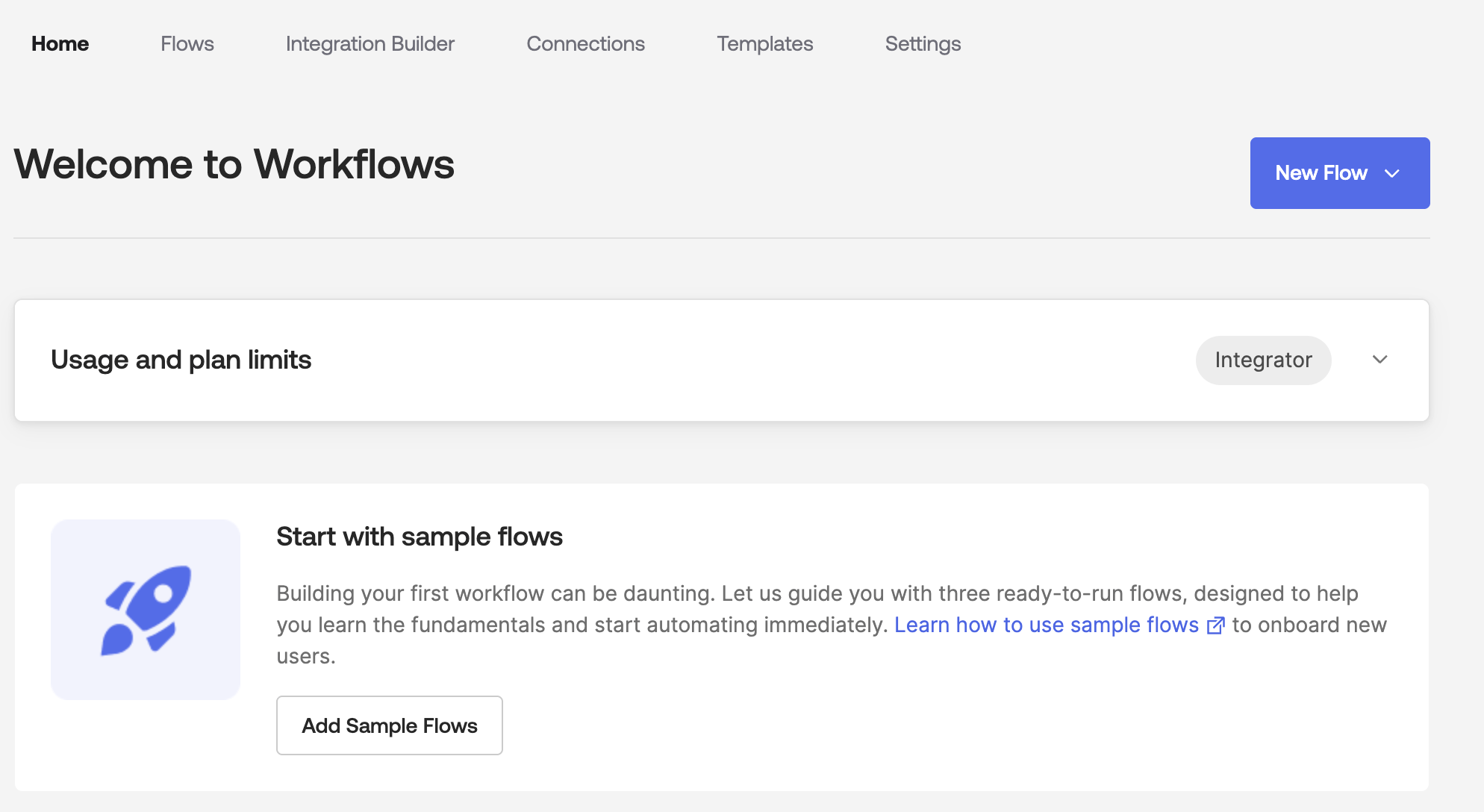
Clicking Add Sample Flows will add a Sample Flow folder with three automations:
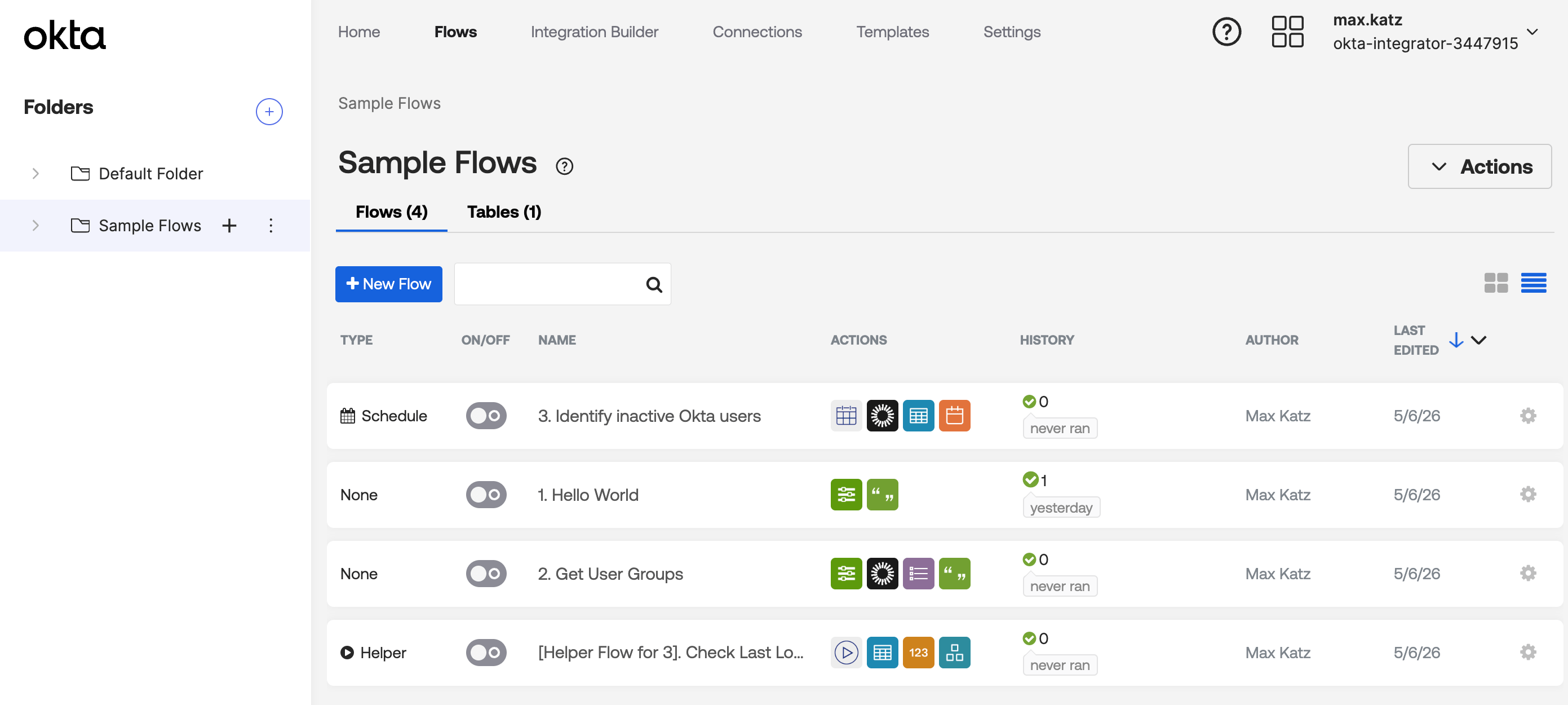
- Hello World: A basic flow that outputs the current system time.
- Get User Groups: A flow that retrieves all group memberships for a specific user ID. This flow demonstrates how to pass content between cards.
- Identify Inactive Okta Users: A scheduled flow that queries the Okta API for users who haven’t logged in recently. This flow demonstrates Workflows’ automation and reporting capabilities.
Here’s the Get User Groups flow:

Okta Workflows resources
- 🚀 New to Okta Workflows? The Getting Started with Okta Workflows page has all the resources to help you get started.
- 📺 Like learning from videos? Watch Okta Workflows videos.
- ❓Have a question? Ask during community office hours or post on the community forum.
- 💬 Want to learn from the community? Join the #okta-workflows channel on the Mac Admins Slack.
- 🎓 Want to learn more about identity automation? Take the Okta Workflows training on Okta Learning.
Leave a Reply